When a Pig Started to Learn OpenCV...
Background
I have a goal of stacking Jenga blocks. But before the robot arm can do anything fancy, I need to stop being scared of images.
Short Goal
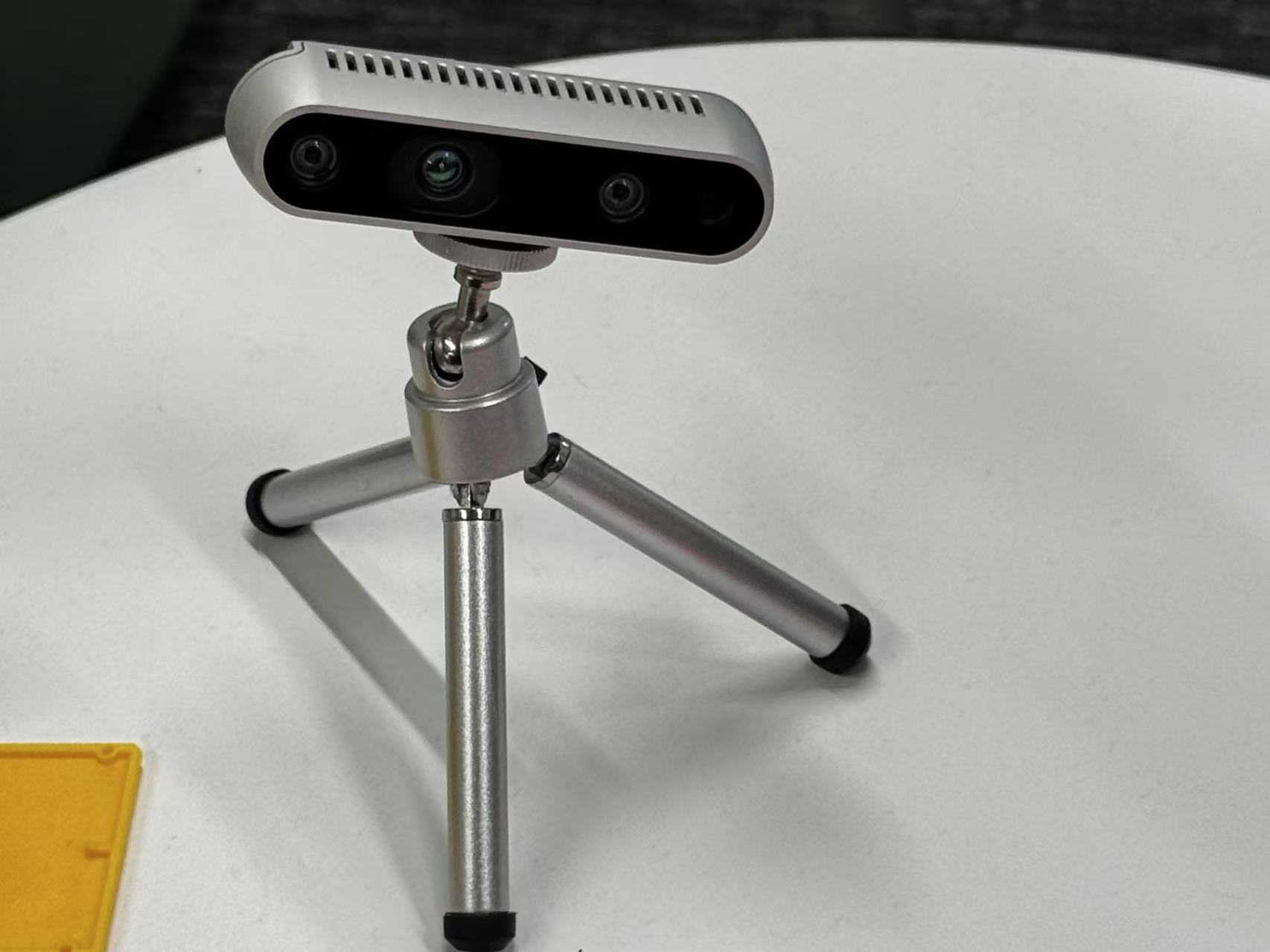
So I started with this static photo of Jenga blocks from my desktop camera. The small mission: draw accurate rotated boxes, center dots, and labels around the blocks by the end of this post.
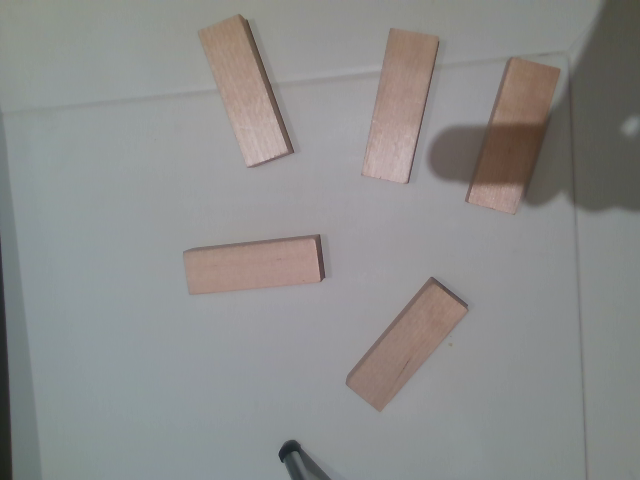
After some trial, error, and mild emotional damage, this became the first usable output:
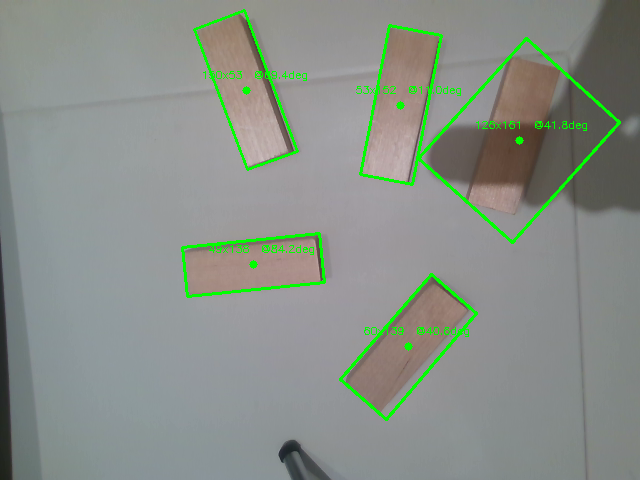
And the stupidity begins…
OpenCV 1
1 | import cv2 as lv |
Typically, people import cv2 as cv, but why not make it un poco luxurious? lv sounds richer to me. HAHAH!
Do Not Be Afraid by OpenClaw
OpenClaw once said, “yeah, I got you.”
Reference Sample
Check this only if you’re out of time. For me, I find it useless for personal growth and critical thinking.
Show/hide sample Python code
1 | import cv2 |
Basic
If you know this, simply skip :)
1 | import numpy as np |
Output:
1 | (5,) |
Explanation:
shapereturns atuple.- Each number in the tuple tells you how many elements exist along that dimension.
ais one-dimensional, so its shape is(5,).bhas 4 rows and 3 columns, so its shape is(4, 3).
What about if we print:
1 | print(a.dtype) |
Output:
1 | float64 |
It is obvious that dtype is simply short for dog Type, um, data type I mean.
Dictionaries
1 | block2 = dict( |
Imagine this is an actual block with values appended to the dictionary.
Question:
How should I access the values in the bracket?
1 | print(block2["score"]) |
Output:
1 | 0.7 |
OK, this sounds nice, but what if there is no key, such as shadow? An alternative method is .get():
1 | print(block2.get("shadow", "No such key!")) |
Output:
1 | No such key! |
Iterating Over a Dictionary
The default method that I first learned is:
1 | for item in block2: |
Output:
1 | center_uv (100, 200) |
But there is a more elegant method by using .items() and an f-string.
1 | for key, value in block2.items(): |
Output:
1 | key: center_uv, value: (100, 200) |
.items() gives you both the key and value directly.
Lambda
Normally when you write a function:
1 | def get_score(block): |
With lambda, you don’t need to write a full function. I think of it as a small one-use function.
1 | get_score_lambda = lambda b: b['score'] |
Output:
1 | 0.7 |
Example: Nested Dictionaries
1 | detection_result = { |
We have two blocks in this dictionary. What should I do when I want to find the best score and the greatest depth?
1 | best, deepest = ( |
Output:
1 | best: {'center_uv': (320, 240), 'angle_deg': -22, 'depth': 0.4, 'score': 0.93} |
Enumerate
In simple terms, enumerate() provides you with both the index and the value simultaneously.
Without enumerate():
1 | centers = [(100, 200), (300, 150), (250, 310)] |
With enumerate():
1 | for i, value in enumerate(centers): |
OpenCV 2: From Color to Edges
OpenCV loads images in BGR order, not RGB.
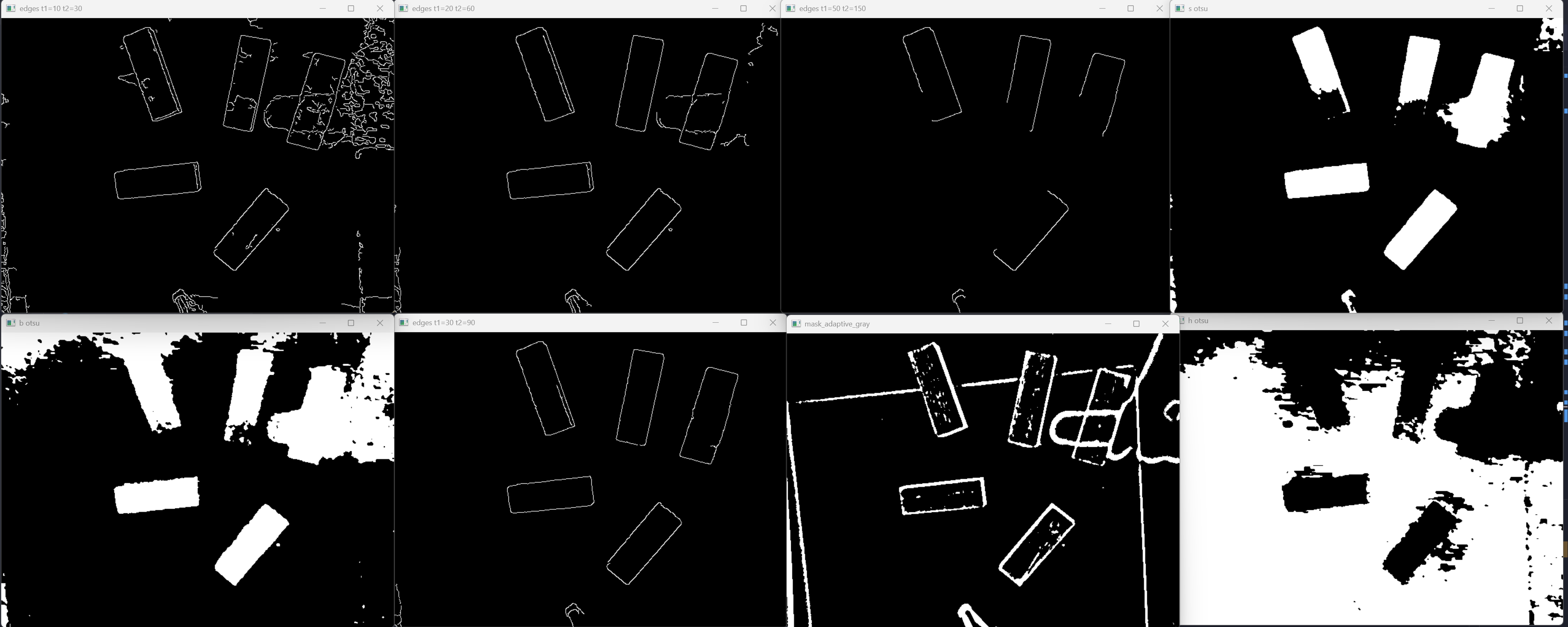
In this project, I tested multiple options such as Lab and HSV.
I realized that Saturation outperforms the others for this setup.
Set Up
1 | import numpy as np |
Explanation:
lv.imread('cv.png')tries to load the image.- If the image does not exist,
imgbecomesNone. - A normal program exit would be
exit(0). - Since missing
cv.pngis an error, this usesexit(1).
HSV Channels
1 | hsv = lv.cvtColor(img, lv.COLOR_BGR2HSV) |
Explanation:
cvtColorconverts the image fromBGRintoHSV.splitseparates the image into hue, saturation, and value channels._means “I am intentionally ignoring this value.”
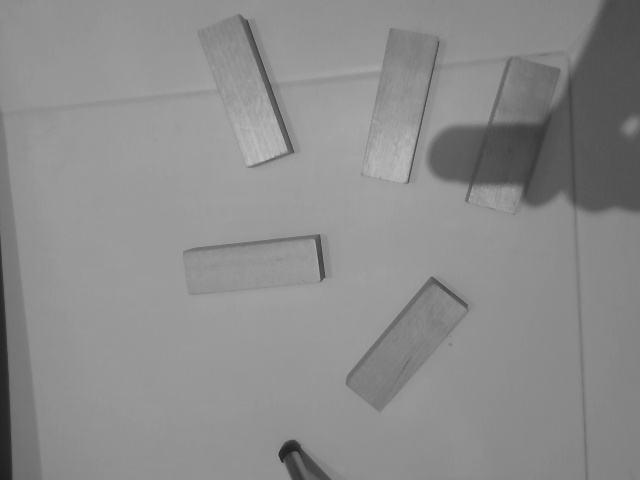
During this period, I was still struggling to determine if hue or saturation works better. Still, I decided to separate them during the preprocessing step.
Gaussian Blur
1 | s_blur = lv.GaussianBlur(s_ch, (5, 5), 0) |
Explanation:
- One obstacle that hinders
Cannyfrom identifying edges is NOISE and rough pixel transitions. - Once this
(5, 5)Gaussian blur is applied, each pixel becomes an average of its5x5neighborhood. - This preprocessing step is vital because it increases the efficiency and accuracy of the actual detection.
Visual Checkpoints
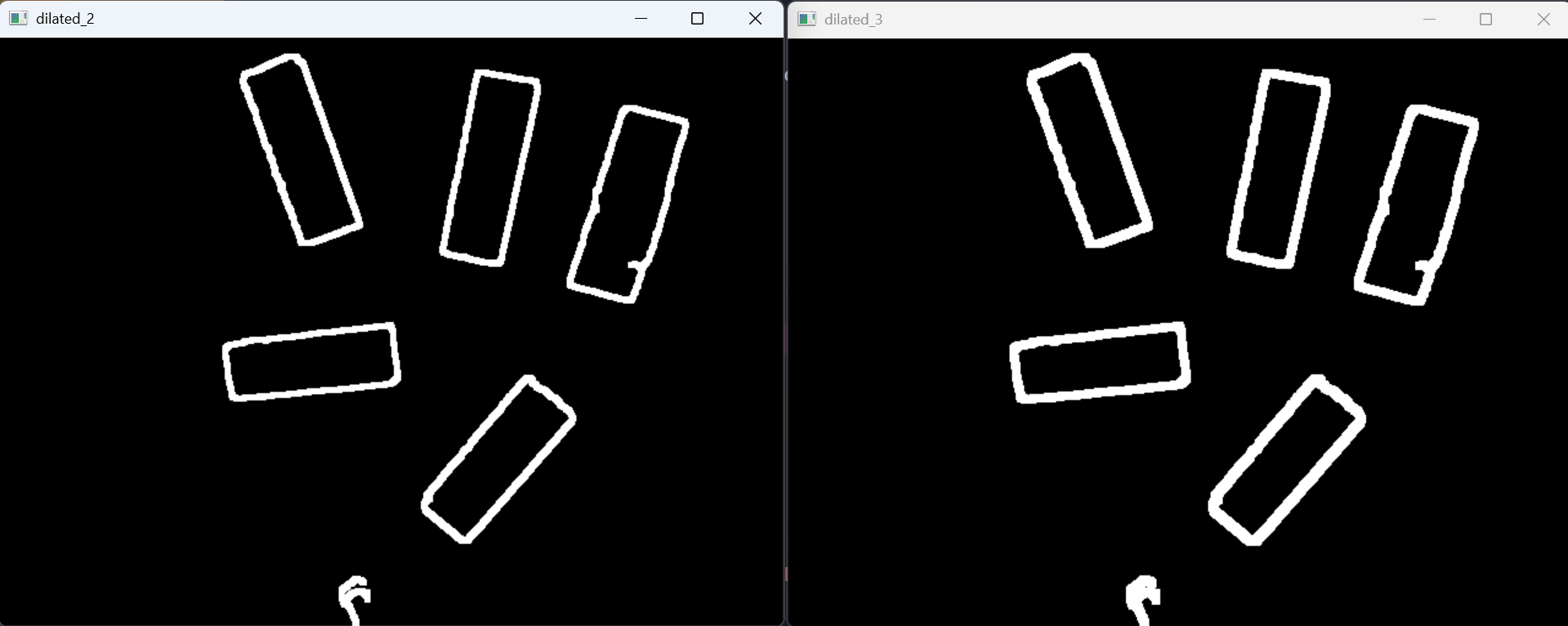
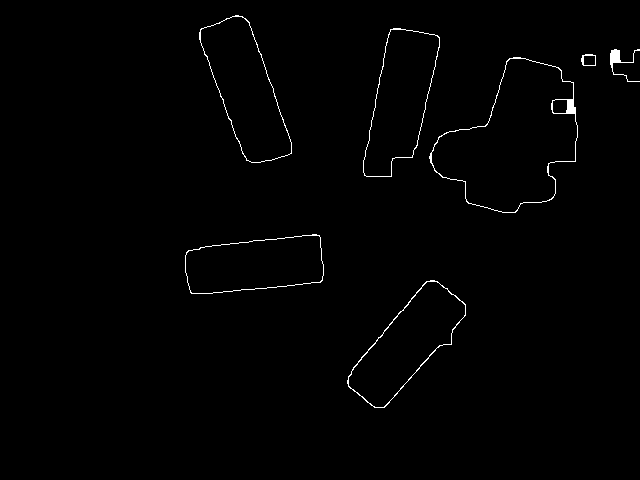
Below are the screenshots I kept while tuning the pipeline. This is the part where computer vision stops feeling like magic and starts feeling like arguing with pixels.
Live Preview and Short Demo
Canva preview. It stays 16:9 because this one is a slide-like canvas, not a phone video pretending to be a rectangle.
YouTube Short. Strict 9:16. Vertical video deserves to remain vertical.