When A Pig Started to learn OpenCV...
Background:
I have a goal of Stacking Jenga Blocks, but prior to that, I wanted to be able to fumble with images.
Short Goal:
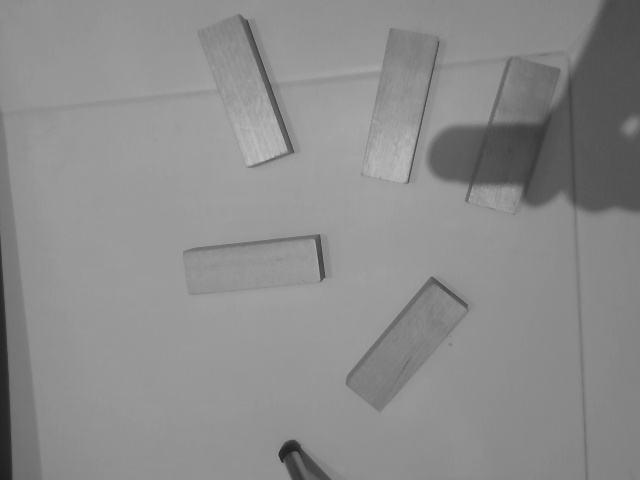
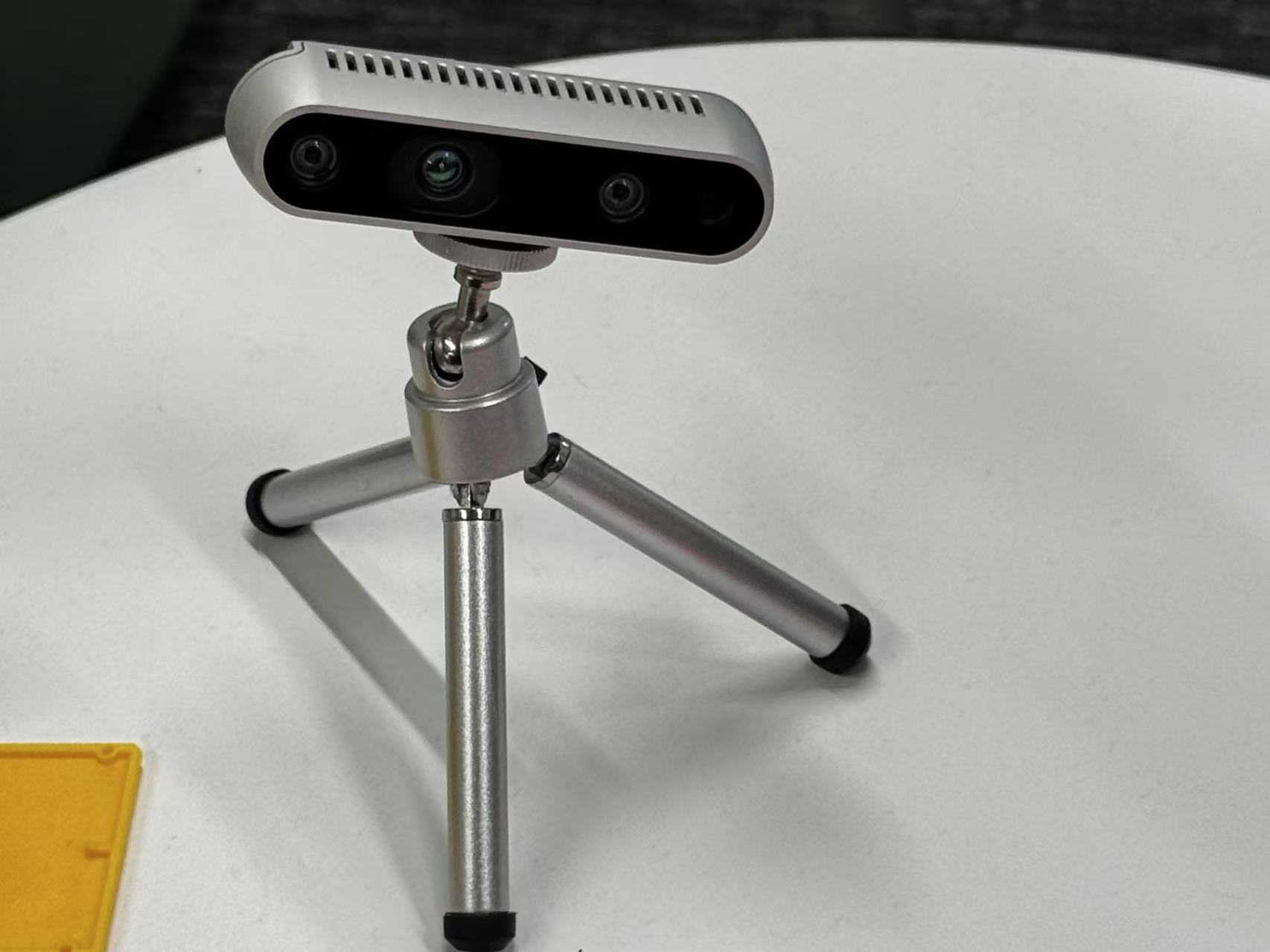
So I started with this static photo of Jenga block that I took from my desktop camera. It would be great if I can draw accurate circles and labels around the Jenga blocks by the ned of this post.
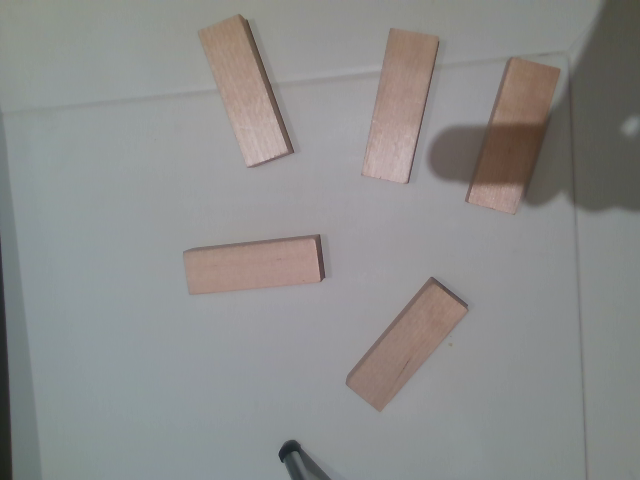
Photo taken using IntelRealsense D435 camera; 640x480 pixals
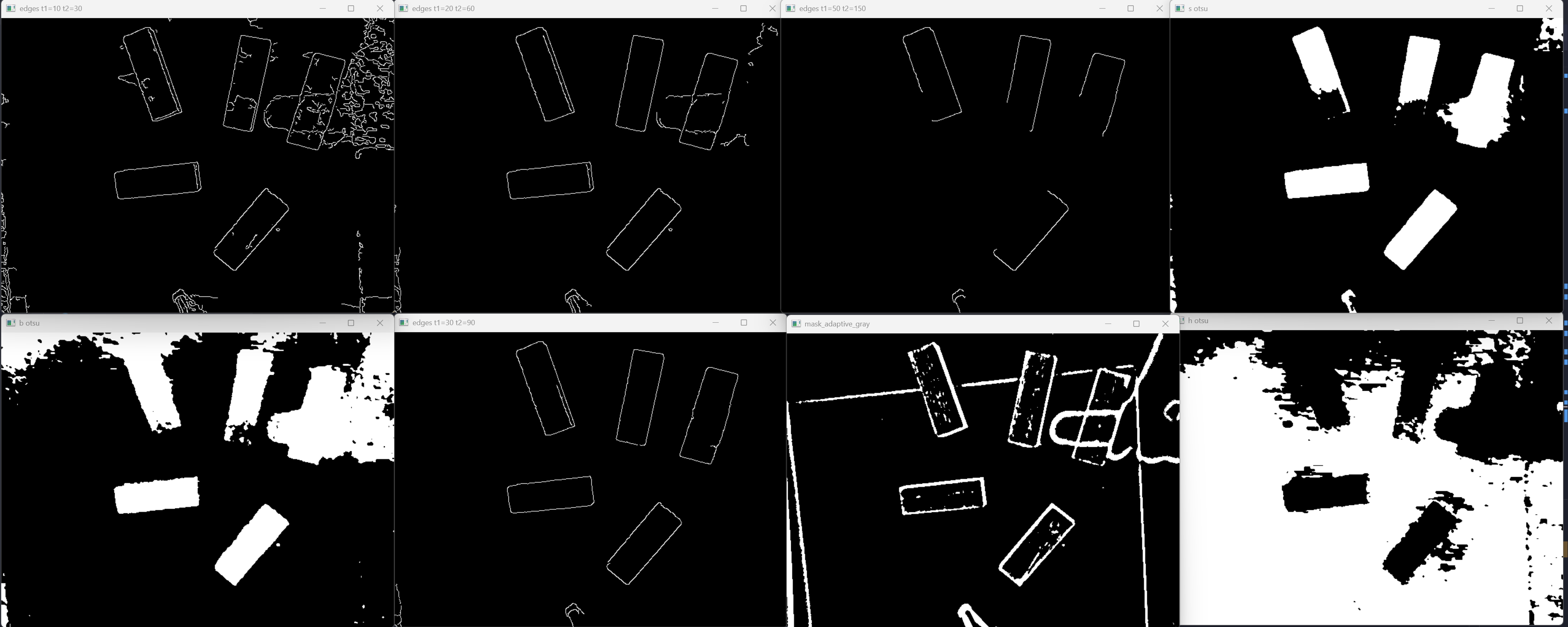
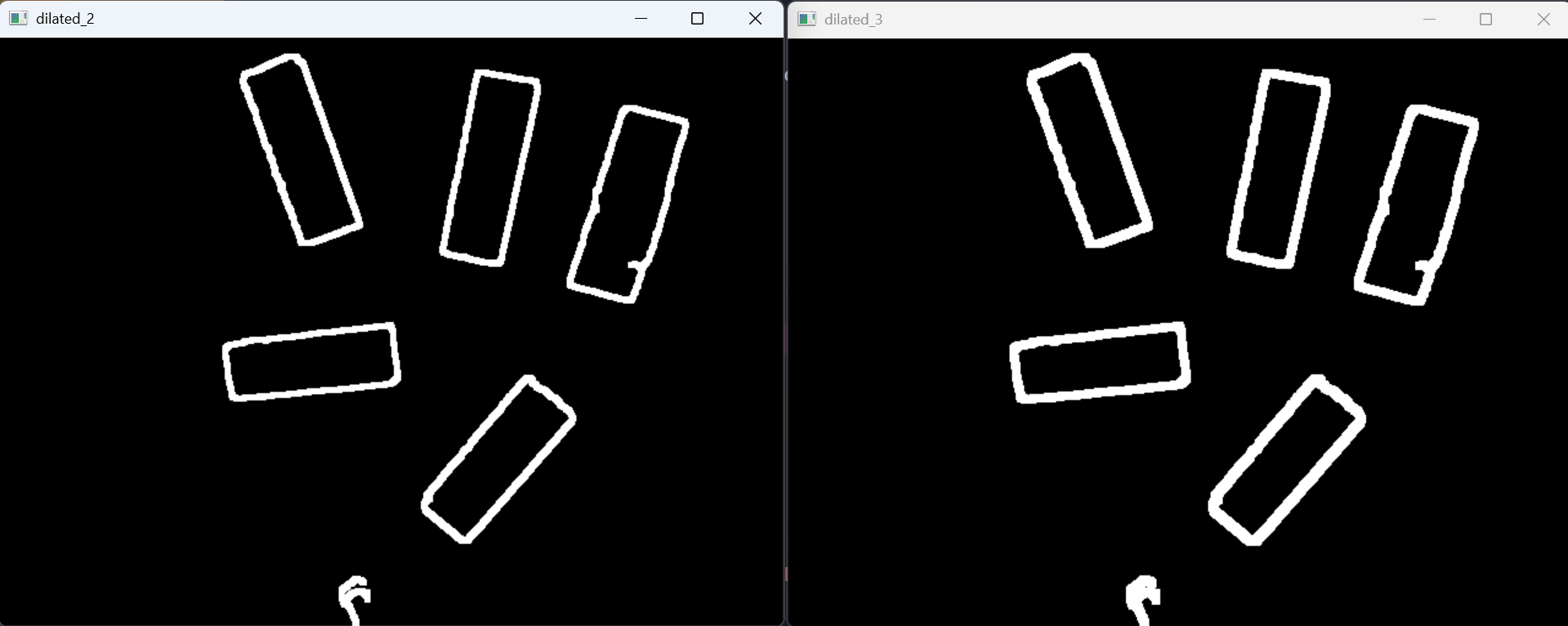
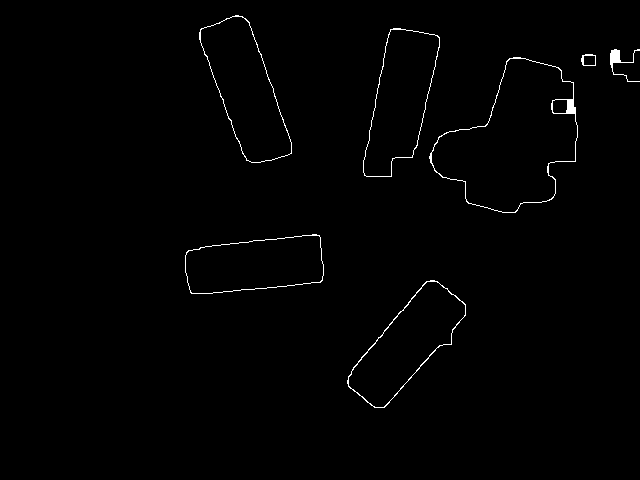
Some usable outputs:
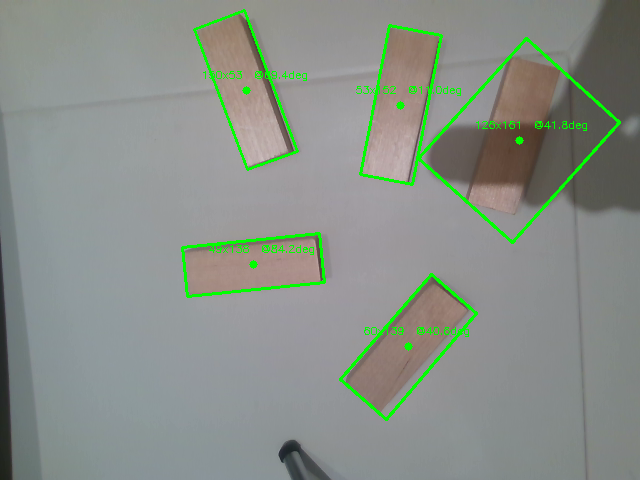
And the stupidity begins…
OpenCV 1
1 | import cv2 as lv |
Typically, people import cv2 as cv, but why not make it un poco luxurious? lv sounds richer to me. HAHAH!
Do Not Be Afraid by OpenClaw
OpenClaw once said “yeah, I got you.”
Reference Sample
Check this only if you’re out of time. For me, I find it useless for personal growth and critical thinking.
Show/hide sample Python code
1 | import cv2 |
Basic
If you know this, simply skip :)
1 | import numpy as np |
Output:
1 | (5,) |
Explanation:
shapereturns atuple.- Each number in the tuple tells you how many elements exist along that dimension.
ais one-dimensional, so its shape is(5,).bhas 4 rows and 3 columns, so its shape is(4, 3).
What about if we print:
1 | print(a.dtype) |
Output:
1 | float64 |
It is obvious that dtype is simply short for dog Type, um, data type I mean.
Dictionaries
1 | block2 = dict( |
Imagine this is an actual block with values appended into the dictionary.
Question:
How should I access the values in the bracket?
1 | print(block2["score"]) |
Output:
1 | 0.7 |
OK, this sounds nice, but what if there is no key, such as shadow? An alternative method is .get():
1 | print(block2.get("shadow", "No such key!")) |
Output:
1 | No such key! |
Iterating Over a Dictionary
The default method that I first learned is:
1 | for item in block2: |
Output:
1 | center_uv (100, 200) |
But there is a more elegant method by using .items() and an f-string.
1 | for key, value in block2.items(): |
Output:
1 | key: center_uv, value: (100, 200) |
.items() gives you both the key and value directly.
Lambda
Normally when you write a function:
1 | def get_score(block): |
With lambda, you don’t need to write a full function. I think of it as a small one-use function.
1 | get_score_lambda = lambda b: b['score'] |
Output:
1 | 0.7 |
Examples: Nested Dictionaries
1 | detection_result = { |
We have two blocks in this dictionary. What should I do when I want to find the max() values?
1 | best, deepest = ( |
Output:
1 | best: {'center_uv': (320, 240), 'angle_deg': -22, 'depth': 0.4, 'score': 0.93} |
Enumerate
In simple terms, enumerate() provides you both the index and the value simultaneously.
Without enumerate():
1 | centers = [(100, 200), (300, 150), (250, 310)] |
With enumerate():
1 | for i, value in enumerate(centers): |
OpenCV 2
OpenCV loads images in BGR order, not RGB.
In this project I tested multiple options such as Lab and HSV.
I realized that Saturation out performs or presents the best results.
Set Up
1 | import numpy as np |
Explanation:
lv.imread('cv.png')tries to load the image.- If the image does not exist,
imgbecomesNone. - A normal program exit would be
exit(0). - Since missing
cv.pngis an error, this usesexit(1).
HSV Channel
1 | hsv = lv.cvtColor(img, lv.COLOR_BGR2HSV) |
Explanation:
cvtColorconverts the image fromBGRintoHSV.splitseparates the image into hue, saturation, and value channels._means “I am intentionally ignoring this value.”
During this period, I was still struggling to determine if hue or saturation works better. Still, I decided to separate them during the preprocessing step.
Gaussian Blur
1 | s_blur = lv.GaussianBlur(s_ch, (5, 5), 0) |
Explanation:
- One obstacle that hinders
Cannyfrom identifying edges is NOISE and unsmooth pixel transition. - Once this
(5, 5)Gaussian blur is applied, each pixel becomes an average of its5x5neighborhood. - This preprocessing step is vital because it increases the efficiency and accuracy of the actual detection.